How to play multiplayer
Multiplayer connects several players in real time. One player creates the session and becomes the admin. Others join using a 6-letter code.
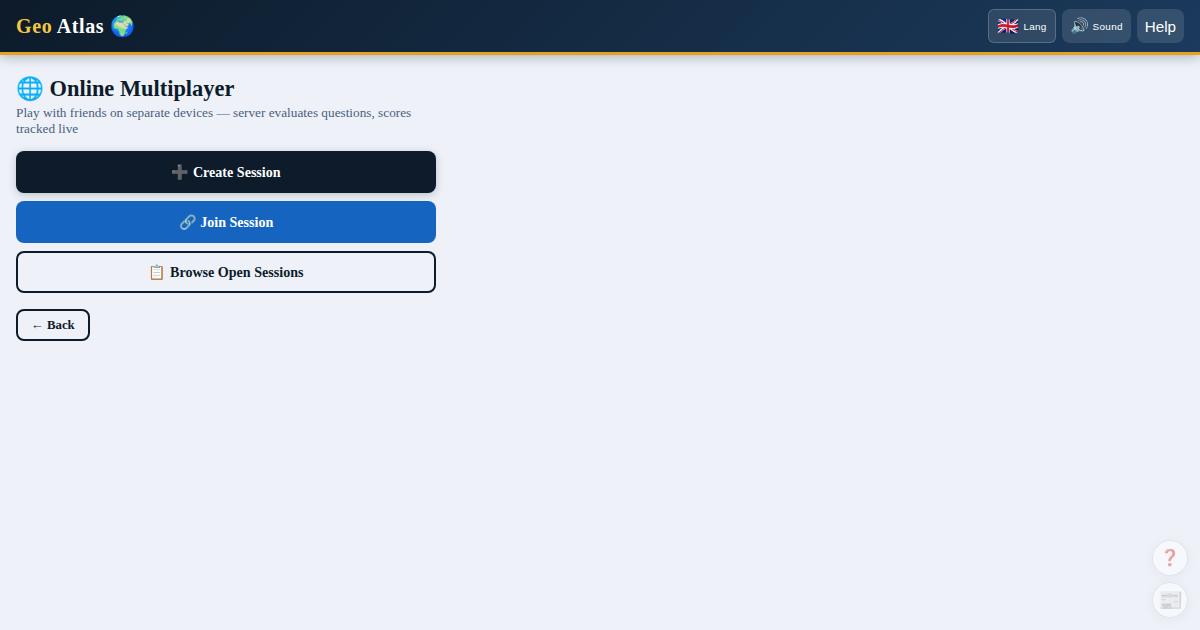 Multiplayer waiting room with real-time scores and game controls.
Each player's interface is shown in their chosen language — everyone can independently pick 🇫🇷 French, 🇬🇧 English, or 🇪🇸 Spanish.
Creating a game
- Click Online Multiplayer on the home screen
- Enter a nickname and configure the settings
- Click Create
- In the waiting lobby, click the code to copy a direct invite link and send it to your friends
Joining a game
- Click the invite link sent by the host — the code is pre-filled automatically
- Or click Join on the home screen and enter the 6-letter code manually
- Enter your nickname and submit a join request
- The admin approves or rejects from the waiting lobby
Game modes
Freeplay mode Everyone can ask a question or guess at any time. The first to find the country wins the round and earns +100 pts.
Turns mode Players ask questions one at a time. Each player gets one question per turn, then may attempt a guess. A wrong guess passes the turn. The winner earns +50 pts.
An optional timer (30 s or 60 s) can be enabled — if time runs out, the turn passes with no penalty.
Admin controls
| Button | Effect |
|---|---|
| 💡 Hint | Progressive clue — costs −10 pts for everyone |
| Kick | Removes a player from the session |
| Reveal Secret | Reveals the country and ends the round |
| Rematch | Immediately starts a new round |
| Change Settings | Returns to the lobby to adjust the settings |
Cumulative scores
During a Rematch scores are added to a running total. The leaderboard shown at the end of the session reflects all rounds played.
Joining as a spectator
It is possible to join as a spectator: you watch without being able to ask questions or guess.
Using this in a classroom?
Check out our dedicated teacher's guide: 2-minute setup, full-screen projector view, and details on student data privacy (Quebec's Loi 25).