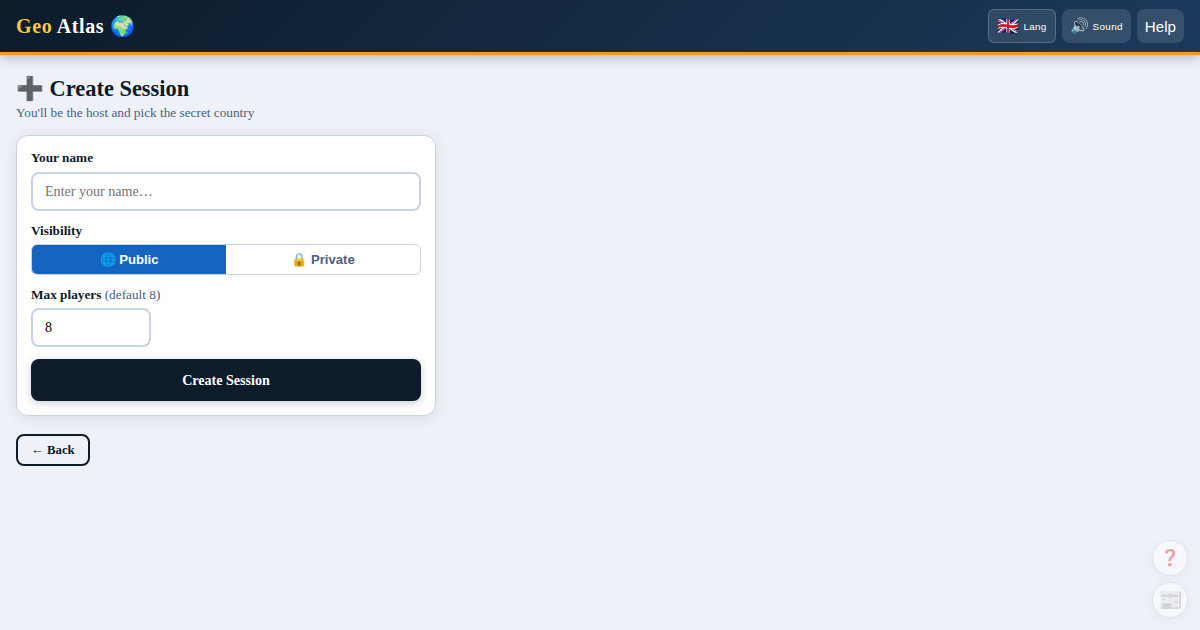
Configuring your session
When creating a game, you set the parameters for all players. Once the session is created, a 6-letter code is displayed to invite your friends.
Game mode
- Freeplay mode: everyone can ask a question or guess at any time.
- Turns mode: players take turns asking questions. More strategic.
Timer (Turns mode only)
- No limit · 30 seconds · 60 seconds
If time runs out, the turn passes automatically with no score penalty.
Country pack
Entire world · Europe · Africa · Asia · Americas · Oceania · G20 · Islands only
Difficulty
| Level | Cost/question (freeplay) | Cost/question (turns) | Map |
|---|---|---|---|
| Easy | −1 pt | −1 pt | Exact |
| Normal | −5 pts | −2 pts | Exact |
| Hard | −5 pts | −2 pts | Noisy (~20% false positives) |
Question categories
Select which themes are allowed. All categories are active by default:
🌍 Geography & Location · 🗺️ Borders · 🌊 Oceans & Waterways · 🏔️ Physical Geography 📜 History · 🗣️ Language & Culture · 👥 Demographics & Economy 🏛️ Government & Membership · ⛏️ Natural Resources
Player count
By default 8 players maximum, configurable up to 50.
Custom questions
In the waiting lobby the admin can add their own Yes/No questions. They appear during the game with a CUSTOM badge. The admin answers each one manually.
Sharing the invite link
In the waiting lobby, click the 6-letter code to copy a direct invite link (geo-atlas.net/join/ABCDEF). Your friends click the link — the code field is pre-filled automatically, ready to join in one tap.